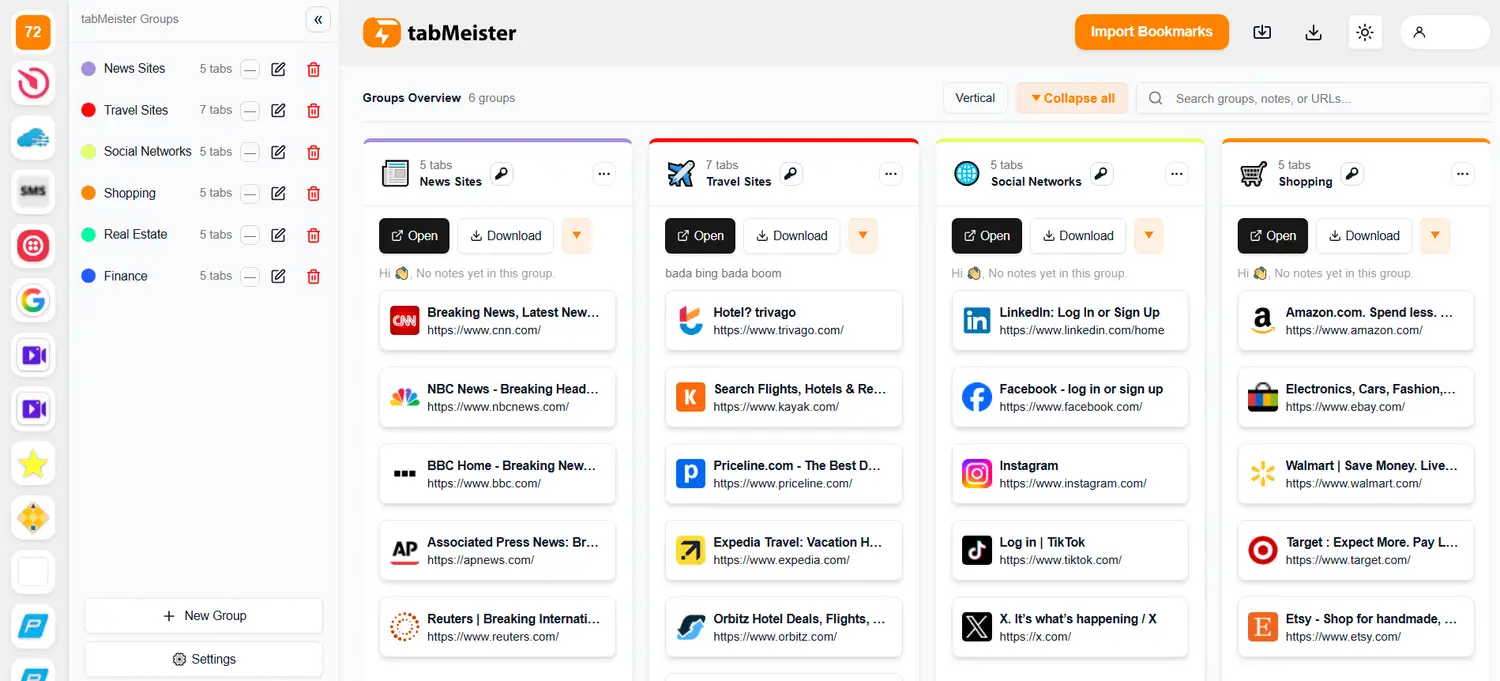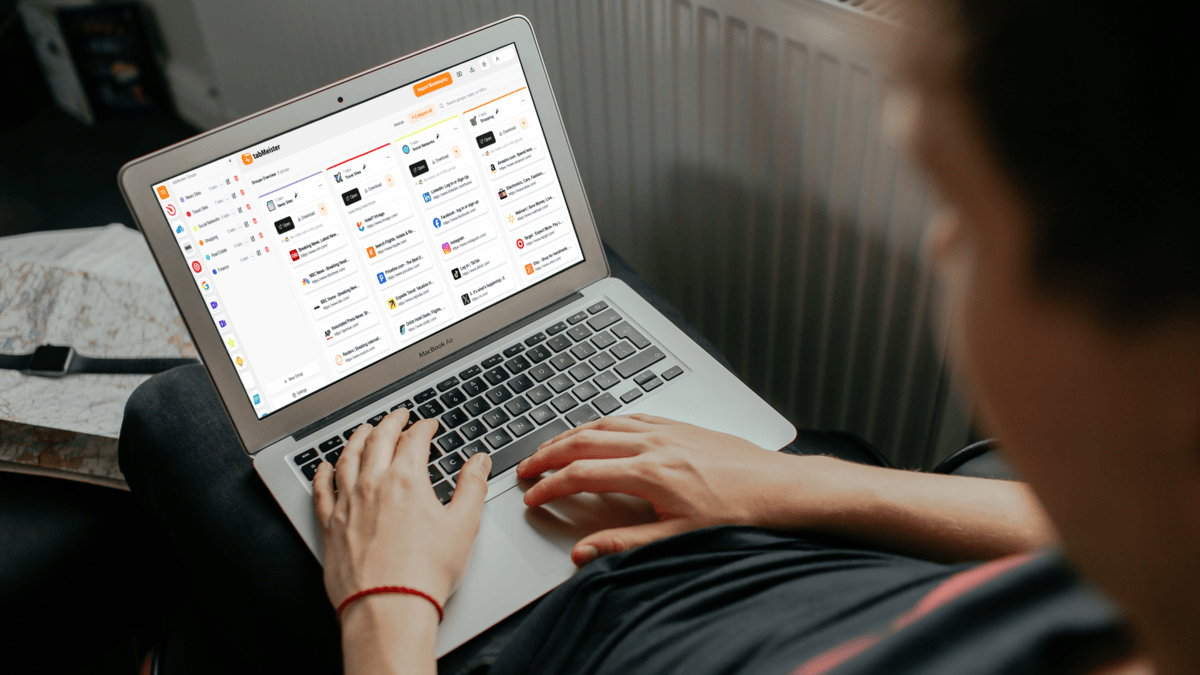
With our Chrome Store Verified extension, save, organize, reopen, and protect your tabs with flipbook view, password locks, notes, and cloud sync — without slowing Chrome down. This is digital therapy for tab "hoarders!"
7-Day Full Access Trial — No Credit Card Required
✔ Flipbook tab browsing ✔ Password-protected groups
✔ Import & export bookmarks (never lose links again)
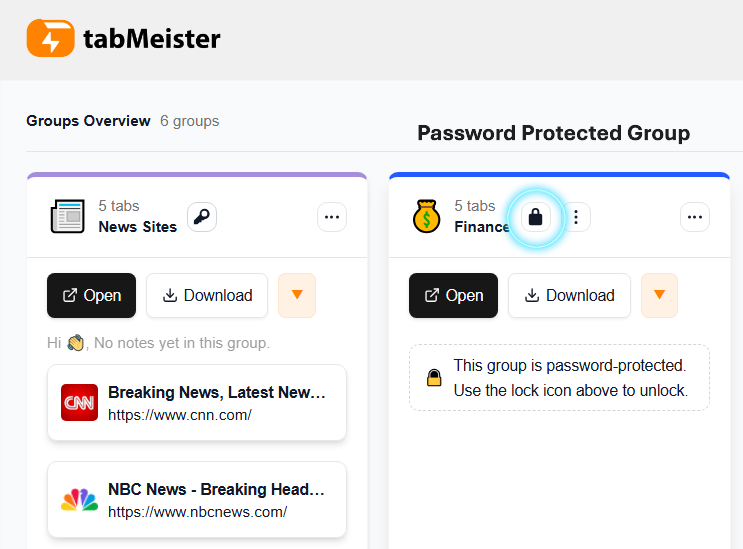
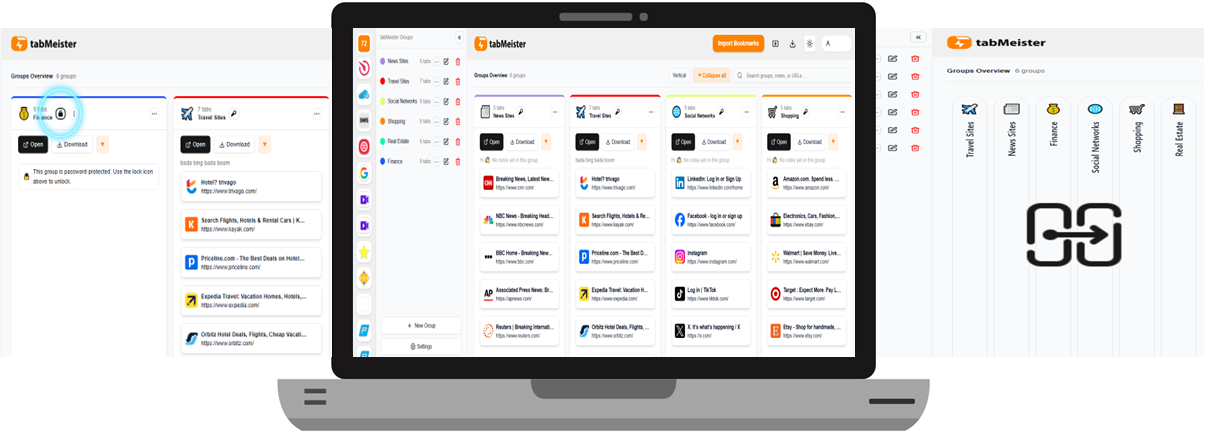
🔒 Lock sensitive tabs with built-in password protection — finally, real privacy — no one opens your private tabs without your password.
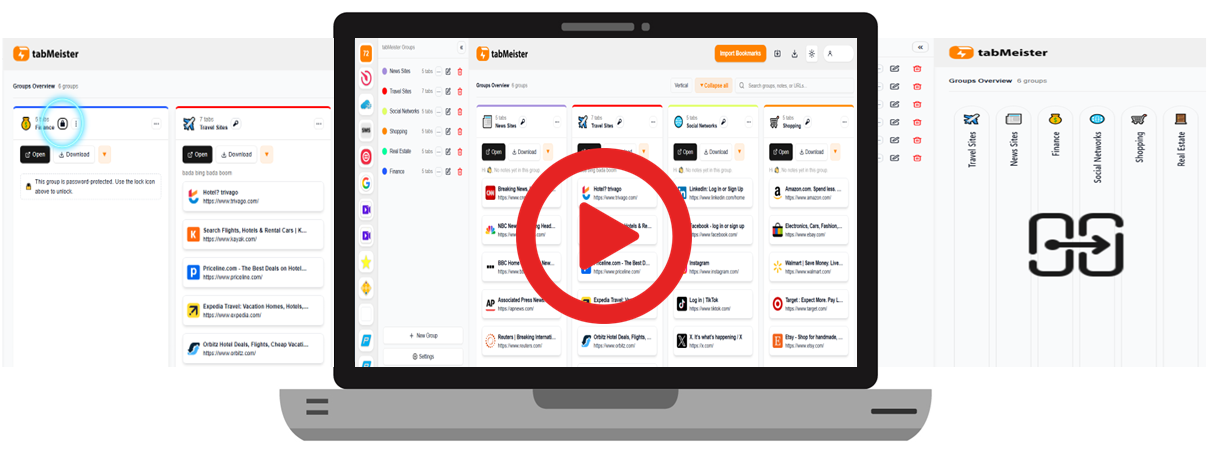
Automatically group, label, and reopen tabs in seconds — no more chaos.
Pay once. Own it forever. No subscriptions. No surprises. This is only available for a limited time.
Lock sensitive tabs so only you can access them — even on shared devices.
Browse saved tabs like a digital magazine. Jump between tabs instantly — no scrolling, no chaos.
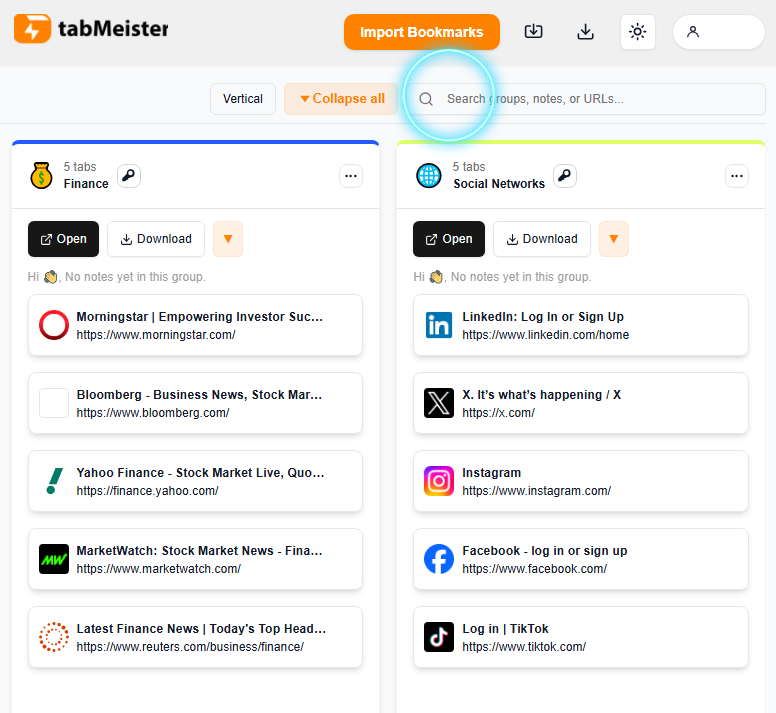
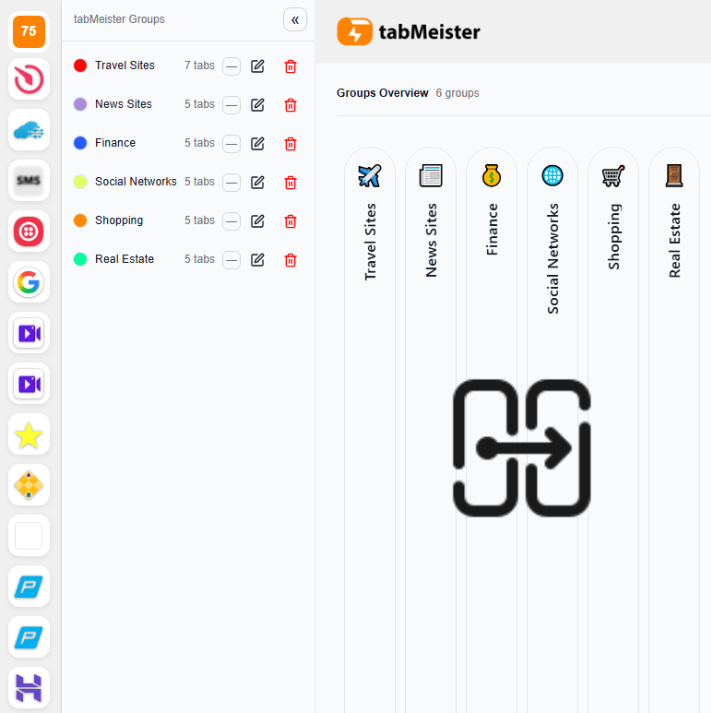
Everything you need to manage tabs like a pro — in one simple dashboard.
Lock sensitive tabs with password protection!
Switch between Grid, List, and Flipbook views. Instantly find what you need — without hunting, scrolling, or reopening tabs.
✔ Visual tab previews
✔ One-click navigation
✔ Zero tab overload
If Chrome keeps freezing…If you always have 40+ tabs open…
If you’re scared to close anything “just in case”…tabMeister was built for you.
Born from real tab chaos and tested by power users!
Store tabs safely without eating RAM.Never lose tabs again — even during freezes and crashes.
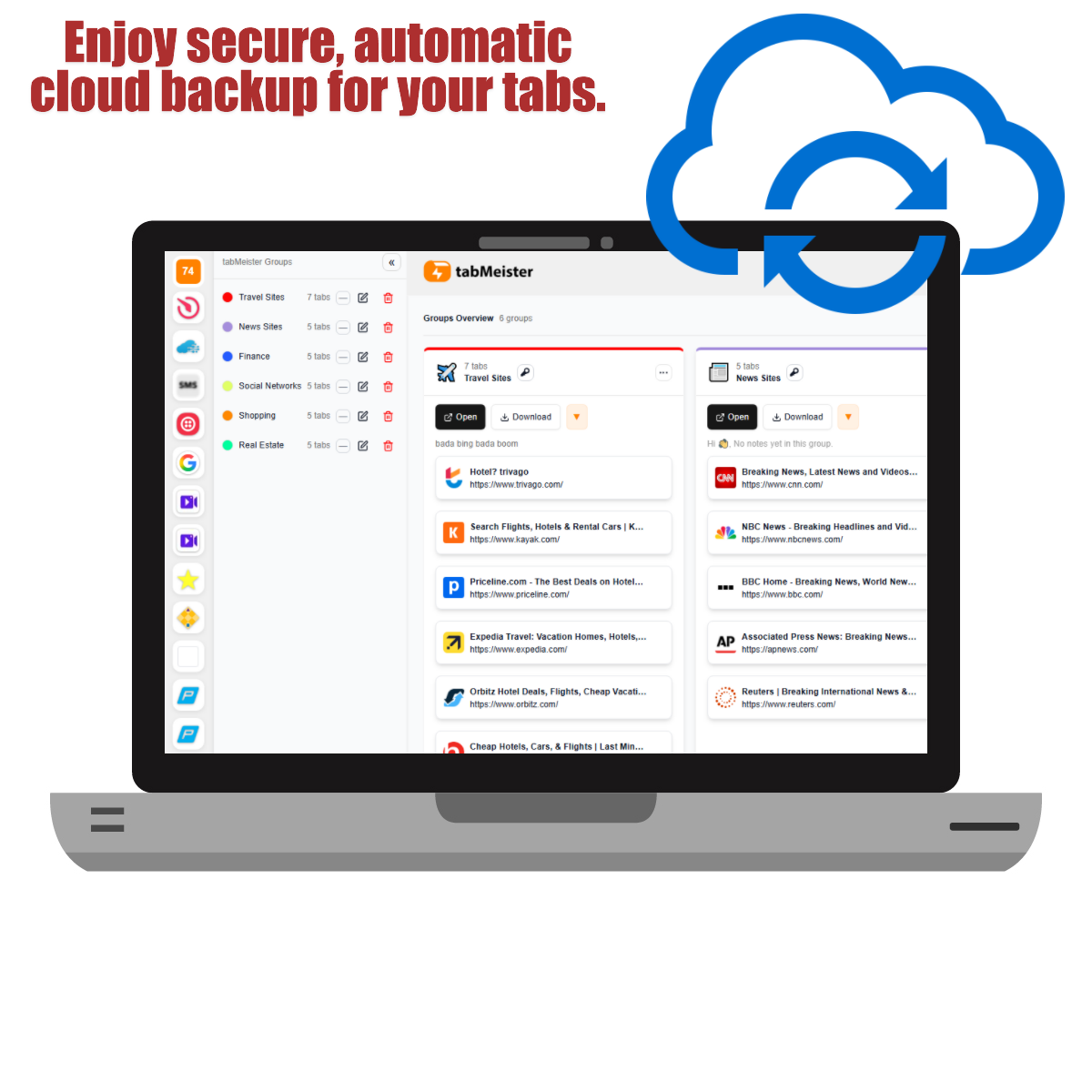
Access your saved tabs on any device, anytime.
Search by name, URL, or notes in seconds.
Easily reorder, rearrange, and manage your tab groups with simple drag-and-drop functionality to keep your browsing workspace efficient and personalized.
Built for serious researchers, founders, and multitaskers.
Password Protection
Keep tabs private with password protection
Flipbook Visual Tabs
Stop guessing by icons. Experience a tactile, visual flipbook style to find that one specific page.
Easy Search
Search by tab/group name, notes and URLs.
One-Click Save
Opens a new tab (“+”), all currently open tabs (to the left) are automatically captured and stored in a group.
Manual Tab Adding
Manually add new website/URL to an existing or new group.
Bulk Import/Export
Bulk import browser bookmarks and assign them to new or existing tab groups.
Edit Tab Details
Ability to rename, edit tab URLs, add notes and delete tabs or groups in bulk.
Drag and Drop
Easily reorder, rearrange, and manage your tab groups with simple drag-and-drop functionality to keep your browsing workspace efficient and personalized.
Reopen Options
Open tabs in:
New tab (same window)
New window
Incognito window.
Built-In Notes
Create custom notes for each group for easy identification.
Cross-Device Access
Automatic cloud backup of your tabs allowing login on different Chrome profiles and access saved tabs.
Free Up RAM Space
Save your browser from freezing or crashing resulting in tabs that cannot be recovered or restored.
Save Unlimited Tabs
No limits to the number of tabs and groups you can save. A tab hoarders dream.
Color Tagging
Assign colored labels to tabs and groups for unique identification.
Duplicate Finder
Alerts if tab already exists in another group. Identifies tabs that have similar content even if the URLs are different, closing duplicates to save space.
Auto-Categorization
Suggests group names/categories based on tab content.
AI Summaries
Generate one-line summaries of saved tabs (optional for notes).
Recommendations
Suggests related links/articles based on saved tabs.
Smart Search
Semantic (AI-powered) search across all saved tabs & notes.
User Feedback
We will evaluate all user feedback and take into serious consideration all AI suggested features.
Built by a power user — for power users who refuse to lose tabs, time, and focus.
You get full access during your free trial. No hidden limits. No surprises.
Absolutely. Once you install and enable the extension, you can get started in a few simple steps and navigate a very intuitive and user friendly dashboard.
No.
tabMeister automatically saves and syncs your tabs to the cloud, so you can restore them anytime.
Absolutely.
You can password-protect sensitive groups, and all data is encrypted and securely stored.
No.
tabMeister is optimized to reduce memory strain and help Chrome run more smoothly.
Yes.
Your tabs sync across devices when you log in to your account.
You pay once and own it forever.
No monthly fees. No renewals. No upsells.
Yes.
Bulk import lets you bring in Chrome bookmarks and organize them instantly.
You’re covered.
Try it risk-free. If it’s not for you, simply stop using it.
No.
We do not sell, share, or monetize your browsing activity.
No commitment required.
Future AI tools will be included with all future updates and clearly disclosed.
✔ Chrome Store verified • ✔ Secure payments • ✔ 7-day trial
© 2026 tabMeister. All rights reserved.
Contact Us: support@tabmeister.com
Lock in unlimited tab groups, cloud sync, password protection, and all future updates. Join early adopters before the price jumps to $199.
30-Day Satisfaction Guarantee. One-time payment. No recurring fees — ever!